
LCD 1602 Keypad Shield for Arduino Uno R3/R4, Mega, Integrated Keypad and Display for Arduino Projects
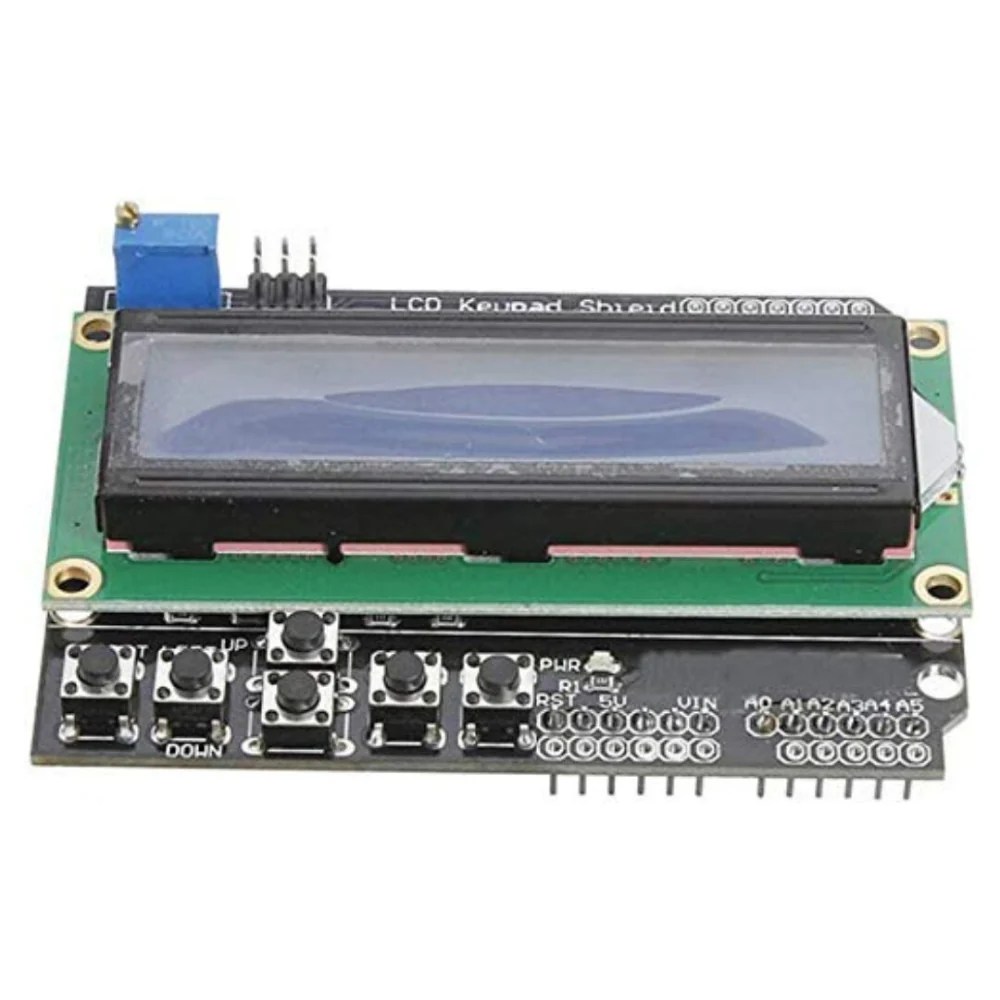
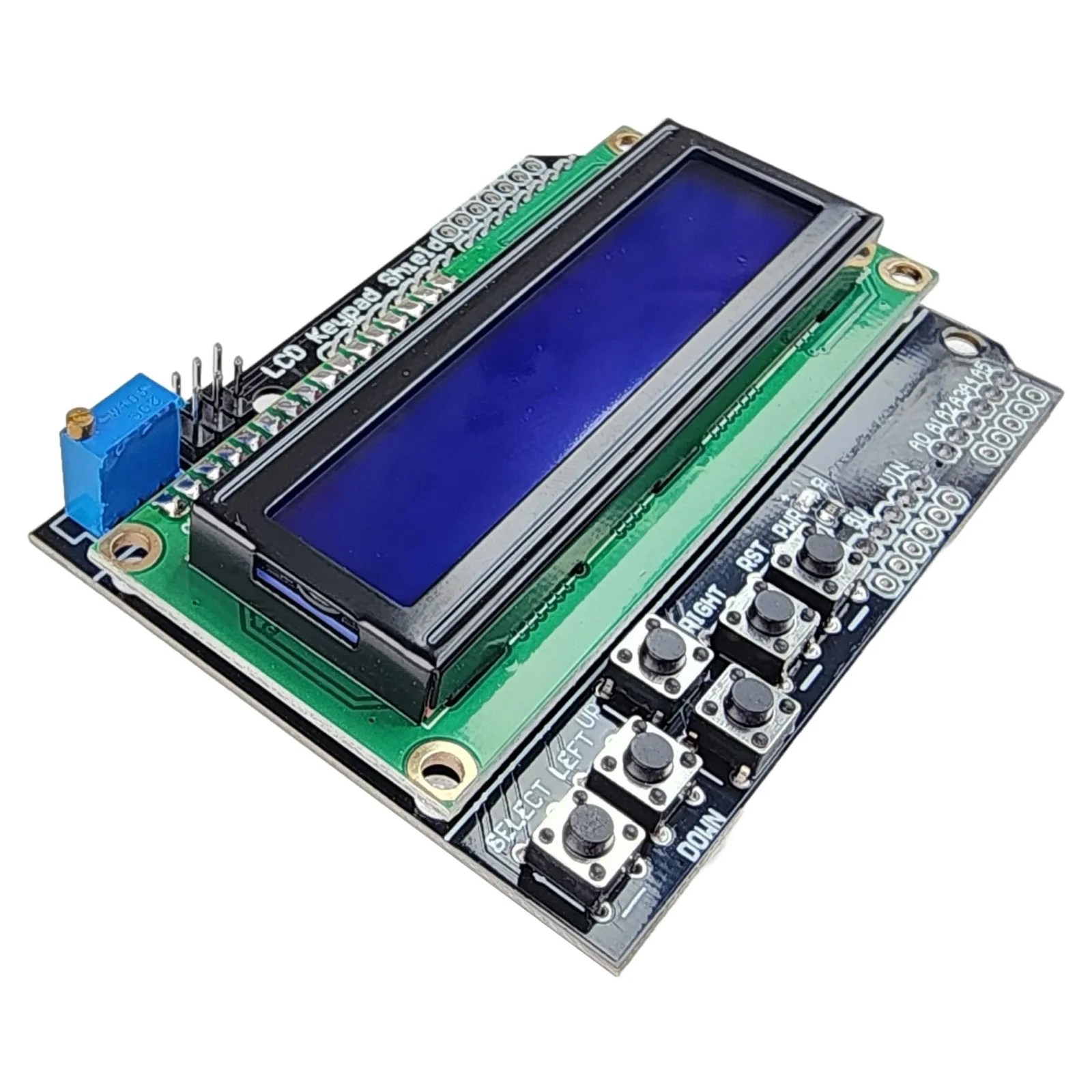
This is a very popular LCD Keypad shield for Arduino or Freeduino board. It includes a 2×16 LCD display and 6 momentary push buttons. Pins 4, 5, 6, 7, 8, 9 and 10 are used to interface with the LCD. Analog Pin 0 is used to read the push buttons. The LCD shield supports contrast adjustment and backlit on/off functions. It also expands analog pins for easy analog sensor reading and display.
The LCD Keypad shield is developed for Arduino compatible boards, to provide a user-friendly interface that allows users to go through the menu, make selections etc. It consists of a 1602 white character blue backlight LCD. The keypad consists of 5 keys — select, up, right, down and left. To save the digital IO pins, the keypad interface uses only one ADC channel. The key value is read through a 5 stage voltage divider.
Description & Key Features
16×2 Display: Features a character LCD (typically blue backlight with white text) capable of displaying 32 characters total (16 columns, 2 rows).
Keypad Input: Contains 6 pushbuttons: 5 navigation keys (Select, Left, Up, Down, Right) and a single Reset button for the Arduino.
Analog Key Reading: To save digital I/O pins, the 5 keypad buttons are mapped to a single analog input (A0) via a voltage divider.
Adjustable Contrast: Includes an on-board potentiometer for adjusting the display contrast.
Backlight Control: The backlight is typically connected to Digital Pin 10, allowing the code to turn it on/off or change brightness (PWM).
Expanded Headers: Provides broken-out header pins for analog pins (A1-A5) and unused digital pins for sensor connections.
Specifications
Operating Voltage: 5V DC
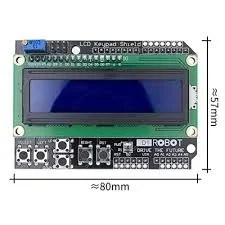
Dimensions: Approx. 80mm x 58mm
Display Type: 16×2 Character LCD (HD44780 compatible)
Pin Requirement: Digital pins 4-10 (4-bit mode) and Analog Pin A0
Color: Blue background with White backlight
Pin Configuration
The shield typically uses the following Arduino pin mapping:
LCD Function
Arduino Pin
Register Select (RS)
Digital 8
Enable (E)
Digital 9
Data 4 (DB4)
Digital 4
Data 5 (DB5)
Digital 5
Data 6 (DB6)
Digital 6
Data 7 (DB7)
Digital 7
Backlight Control
Digital 10
Buttons (All)
Analog 0
Typical Applications
Interactive Menu Systems: Building navigated menus to change settings.
Data Monitoring: Displaying sensor data (e.g., Temperature, Humidity).
Robotics Control: Providing manual control over robot movement.
Standalone Projects: Clocks, timers, or simple game consoles.
Usage Tips
Library: The standard LiquidCrystal library is used to control this shield.
Initializer: In your code, use: LiquidCrystal lcd(8, 9, 4, 5, 6, 7);.
Button Reading: Use analogRead(0) to read the buttons, with different voltage thresholds distinguishing each key.
I2C Alternative: Some versions have an I2C backpack attached, which only requires 2 pins (SDA/SCL) instead of the standard 7-8 pins.

Reviews
There are no reviews yet.